
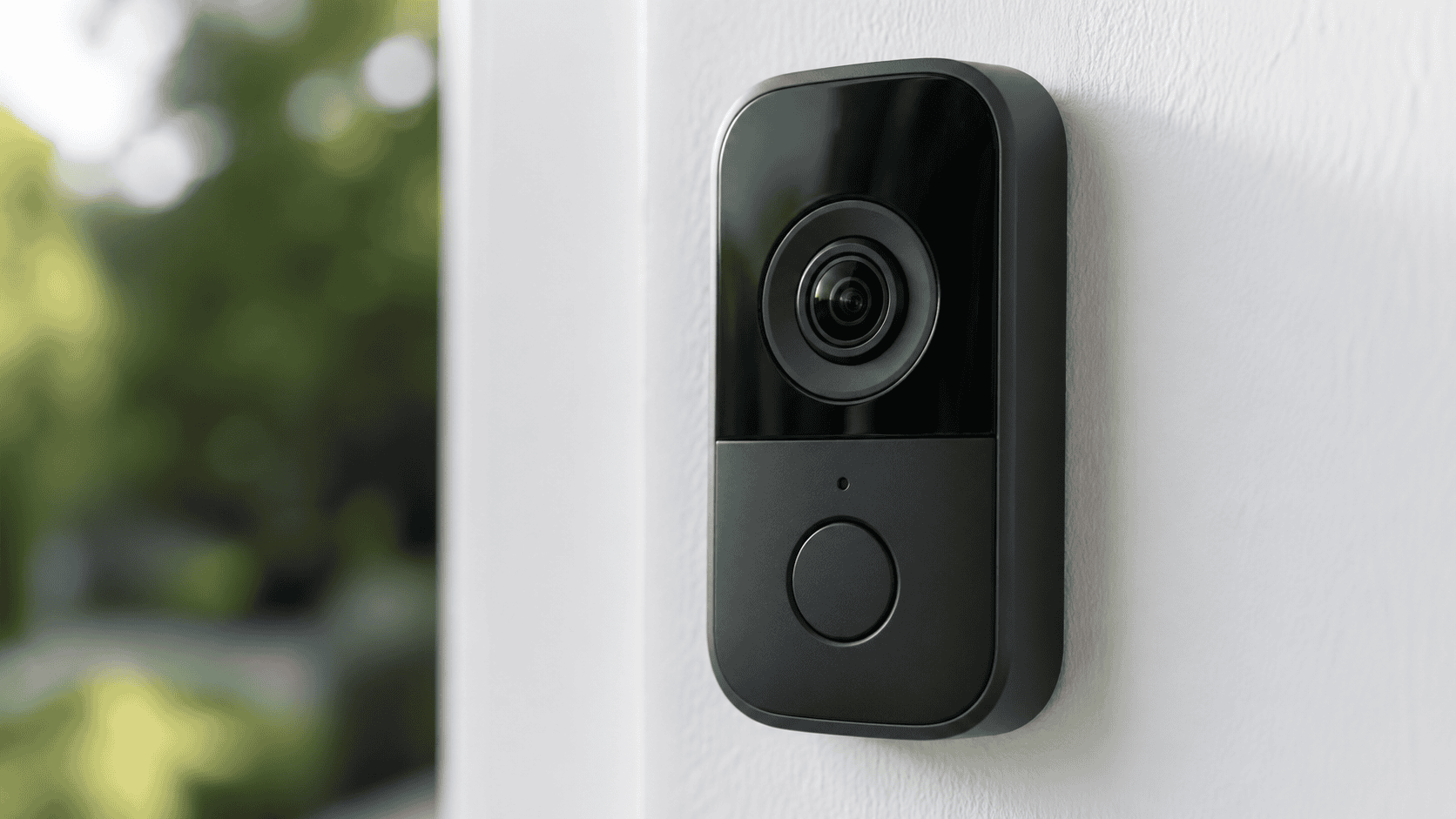
Resolution is the most frequently marketed specification on doorbell cameras and one of the most misunderstood. Higher numbers do not automatically mean better footage, and the difference between resolution tiers matters far less in some situations than others. At the same time, buying the wrong resolution tier for your front door setup is a real mistake that affects what you can and cannot do with your footage every day.
This guide explains what the resolution numbers actually mean, what they look like in practice, how they interact with other factors like aspect ratio and HDR, and which tier makes sense for different types of buyers in 2026.
What Resolution Actually Means
Resolution describes the number of pixels in a camera’s image, expressed as width by height. More pixels means more detail in the recorded frame — finer grain, sharper edges, more legible text, and more identifiable faces at a distance.
The three tiers you will encounter in doorbell cameras are 1080p, 2K, and 4K. Each represents a meaningful step up in pixel count, though the practical differences between adjacent tiers are smaller than the marketing implies. Here is what each actually contains:
1080p records at 1920 x 1080 pixels in a standard 16:9 widescreen format, or approximately 2 megapixels total. In a square 1:1 aspect ratio — which many modern doorbells use — 1080p equivalent resolution is typically expressed as 1536 x 1536, which covers roughly 2.4 megapixels.
2K covers a range of resolutions depending on the manufacturer. True 2K in the broadcast sense is 2048 pixels wide, but in the consumer camera market the term is applied loosely to anything from 2304 x 1296 up to 2560 x 1440 (also called QHD). Eufy’s cameras use 2048 x 1536, Arlo’s 2K model records at 1944 x 1944, and Reolink’s flagship doorbell shoots at 2560 x 1920. All are marketed as 2K. The total pixel count across these formats ranges from roughly 3 to 5 megapixels.
4K records at 3840 x 2160 pixels, also called Ultra HD or UHD, delivering approximately 8 megapixels. In doorbell cameras, true 4K is currently rare. The Ring Wired Doorbell Pro 3rd Gen is one of the few mainstream doorbells to shoot natively at 4K. Most cameras marketed with premium resolution claims top out at 2K or 5 megapixels.
The Resolution Tiers Side by Side
Understanding the numbers is useful, but the practical question is what each tier lets you do with the footage.
1080p: Still Capable, Showing Its Age
1080p was the standard for doorbell cameras from roughly 2016 to 2022 and remains adequate for the core use case: knowing someone is at your door, seeing their face at a normal speaking distance, and having a record of the interaction. At three to six feet from the camera — the typical distance of someone pressing a doorbell — face identification is reliable and clear.
Where 1080p starts to fall short is at distance and in zoom. If a visitor stands ten feet away, or if you need to zoom into footage to read a package label or identify a vehicle, 1080p degrades visibly. The digital zoom that many apps offer effectively stretches the existing pixels, producing a blurry, pixelated result rather than additional detail. At street-facing installations where vehicles pass at twenty feet or more, license plate identification at 1080p is inconsistent and often impossible.
The Google Nest Doorbell Battery records at 960 x 1280, which is technically below 1080p on the horizontal axis. In practice this is the weakest resolution available on a premium-priced doorbell in 2026, and it is the most commonly cited limitation in Nest Battery reviews. It is sufficient for face identification at the door but noticeably behind competing cameras at the same price in detail and zoom performance.
For buyers whose primary concern is a live view and a basic record of who visited, 1080p still does the job. For anyone who expects to use their footage as evidence, review details after the fact, or zoom in on recorded clips, the limitations are real.
2K: The Current Standard Worth Buying
For a video doorbell in 2026, 2K resolution is the recommended standard — it provides enough detail to clearly identify faces, read package labels, and zoom in on specific areas of recorded footage. The step up from 1080p to 2K is the most meaningful resolution upgrade available in the doorbell camera category, and it is the tier at which the most capable cameras currently sit.
At 2K, faces are sharp enough to identify confidently at ten to fifteen feet from the camera. Package labels on standard courier boxes are legible without zooming. Digital zoom at 2x to 4x retains enough detail to be useful rather than merely decorative. In high-contrast outdoor conditions, 2K cameras with HDR processing handle bright skies behind shadowed visitors more effectively than 1080p equivalents, because there is more pixel information for the HDR algorithm to work with.
The 2K tier is also where aspect ratio choices become most impactful. Several cameras in this range — including the Arlo Video Doorbell 2K, the Eufy E340, and the Reolink Video Doorbell — use square or near-square aspect ratios that capture visitors from head to toe simultaneously. This is a more practically useful framing than the widescreen 16:9 format, which often misses packages at the base of the door entirely. Resolution and aspect ratio together define what you actually see, and a 2K square-format camera is a larger functional upgrade over a 1080p widescreen camera than the pixel count alone suggests.
4K: Impressive Specs, Limited Availability
True 4K doorbell cameras are still limited on the market. Many factors affect image quality beyond resolution, like frame rate, HDR function, and aspect ratio. In 2026, the Ring Wired Doorbell Pro 3rd Gen is the primary mainstream example of a 4K doorbell. At 3840 x 2160, it delivers footage that holds up at significant zoom levels — faces remain identifiable at twenty feet or more, and license plates at the edge of a driveway become legible in a way that 2K cameras cannot match.
The practical advantages of 4K are most visible in specific scenarios: wide driveway coverage, street-facing installations where vehicles pass at distance, and any situation where you routinely need to identify details beyond the immediate doorstep. For the typical front-door use case — a visitor pressing the bell from two to six feet away — 4K provides more resolution than the situation requires.
4K also comes with real trade-offs. File sizes are approximately four times larger than 1080p, which means more storage consumption, higher bandwidth requirements, and faster cloud storage quota usage if you are on a subscription plan. For 4K live streams, you need a minimum of 25 Mbps internet connection, though 50 Mbps is recommended to cover all scenarios. For most home broadband connections this is not a problem, but it is worth confirming before purchasing if your internet speed is marginal.
What Resolution Cannot Tell You
Resolution is one factor in image quality, not the whole picture. Several other variables interact with pixel count in ways that can make a lower-resolution camera produce more useful footage than a higher-resolution one.
HDR, or High Dynamic Range, captures detail in both the bright and dark areas of a scene simultaneously. A front door with a bright sky behind a visitor in shadow is one of the most challenging scenarios for any camera, and HDR processing determines how well the camera handles it. A 1080p camera with strong HDR often produces better usable footage in these conditions than a 2K camera without it.
Compression affects perceived quality as much as raw resolution. Camera manufacturers apply compression algorithms to reduce file size before storing or streaming footage. Heavy compression at high resolution produces artifacts — blocky pixels, smeared edges, color banding — that can make 2K footage look worse than lightly compressed 1080p. This is why real-world test footage from independent reviewers is more reliable than spec sheets when evaluating a camera’s actual image quality.
Lens quality shapes what the sensor captures before any resolution or compression decisions are made. A high-resolution sensor behind a low-quality lens produces soft, distorted footage regardless of megapixel count. The Arlo Video Doorbell 2K’s 180-degree fisheye lens produces visible barrel distortion at the frame edges despite its strong resolution — a real-world limitation that the pixel count does not predict.
Frame rate determines how smoothly motion is captured. Most doorbell cameras record at 15 to 30 frames per second. At 15fps, fast motion — a running figure, a quickly passing vehicle — can appear jerky and blurred in individual frames. At 30fps the footage is smoother and individual frames are more usable. Cameras that drop to 15fps at higher resolutions to manage bandwidth are trading temporal quality for spatial quality, and the trade-off is often not worth it.
Night vision implementation is entirely separate from resolution. A 2K camera with infrared-only night vision will produce sharper black and white footage than a 1080p camera in the same conditions, but both will be outperformed by a camera with active spotlight color night vision at a lower resolution in terms of useful identification detail. Resolution matters most in good light; night vision technology matters most after dark.
Which Resolution Is Right for Your Situation
Most buyers in 2026 should purchase a 2K camera. The price premium over 1080p has compressed to the point where 2K models are available at $80 to $100, and the improvement in zoom performance, face detail, and label legibility is meaningful in real everyday use. Avoid any doorbell still offering 720p — this resolution has been largely obsolete since 2022.
1080p makes sense if you are buying a secondary or budget camera, if your primary use case is live view rather than recorded review, or if you are adding a camera to a rental or temporary installation where cost matters more than image quality. The Google Nest Doorbell Battery’s sub-1080p resolution is acceptable only because the Nest platform’s AI detection and Google Home integration are strong enough to justify the trade-off for the right buyer.
4K makes sense if your front door faces a wide driveway or street where you need detail at distance, if you are hardwiring the camera and storage cost is less of a concern, or if you are investing in a permanent installation at a property where maximum evidence quality matters. The Ring Wired Doorbell Pro 3rd Gen is currently the only mainstream doorbell where 4K is the headline upgrade over an otherwise strong previous-generation camera.
If you are comparing two cameras at the same resolution tier, prioritize HDR quality, aspect ratio, lens field of view, and compression handling over raw pixel count. Those factors will affect your footage quality more than whether a camera is described as 2K or 2K Plus.
A Note on Marketing Terms
The doorbell camera industry uses resolution terminology inconsistently, and buyers should verify actual pixel dimensions rather than relying on tier labels alone. Cameras marketed as 2K range from 2304 x 1296 to 2560 x 1920 — a 40 percent difference in total pixel count. Some cameras described as HD are 1080p; others are 720p. Some 5MP cameras are marketed as 2K Plus. Checking the actual width-by-height pixel dimensions in the spec sheet takes thirty seconds and tells you more than any marketing label.
The one label that is consistent: 4K means 3840 x 2160. If a camera claims 4K and cannot provide those dimensions in its spec sheet, the claim is not accurate.
